Google now sells three tiers of image generation. If you make blog graphics, social visuals, or product images for a living, only one question matters: which tier earns its price for your work?
Key Takeaways
- Google released two new image models on June 30, 2026: Gemini 3.1 Flash Image ($0.50 per million input tokens, $3.00 output) and Gemini 3 Pro Image ($2.00 input).
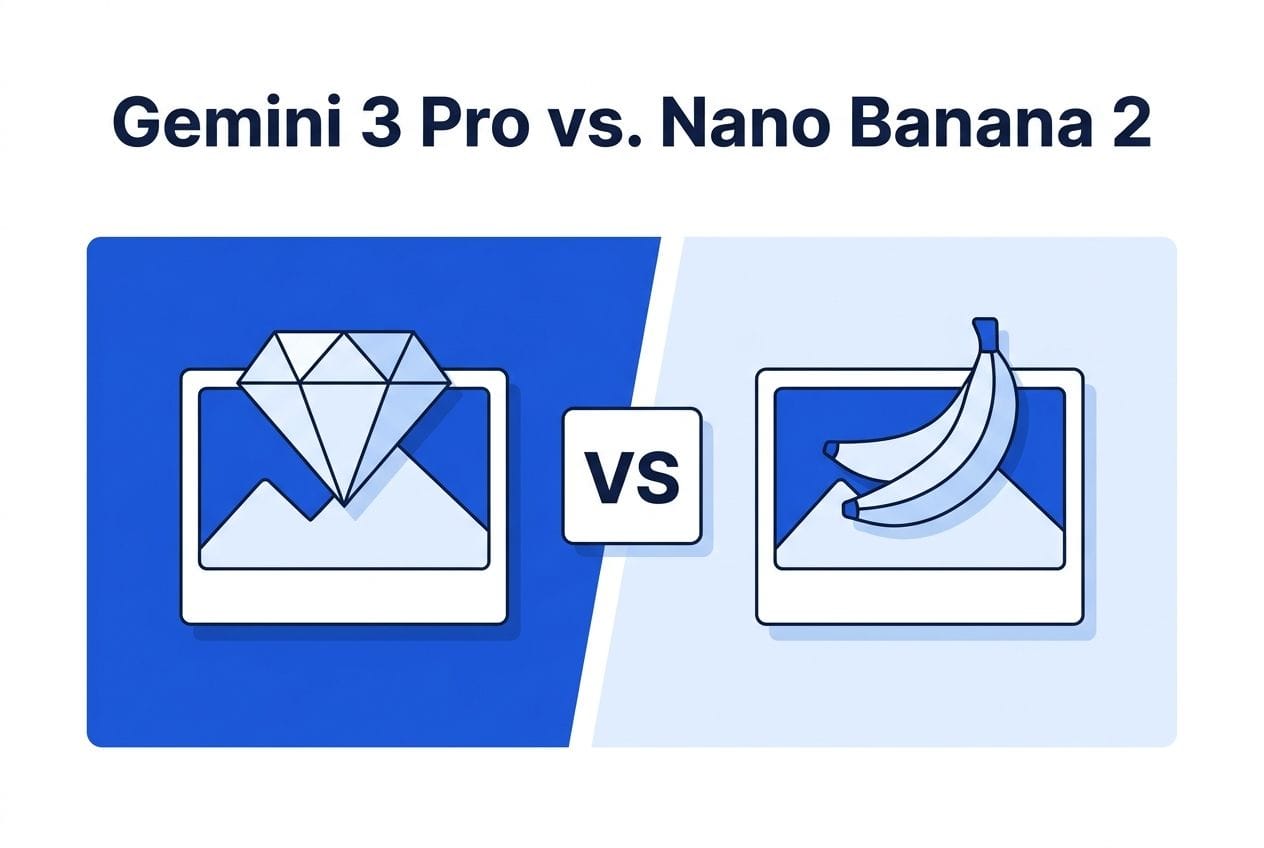
- Nano Banana 2 — the previous-generation Google image model — remains the price/performance workhorse for marketing graphics, especially through API marketplaces.
- In my own production run this week, Nano Banana 2 delivered 9 on-brand blog featured images with clean headline text for roughly $0.03 per image via the KIE marketplace.
- Rule of thumb: Flash for volume drafts, Nano Banana 2 for finished marketing graphics, Pro for hero images and complex scenes where you’d otherwise hire out.
The Lineup, Sorted
Google’s image stack now has three practical tiers for creators.
Gemini 3.1 Flash Image is the new budget tier: $0.50 per million input tokens and $3.00 per million output tokens. Built for speed and volume — thumbnails, drafts, iteration, A/B variants.
Gemini 3 Pro Image is the new premium tier at $2.00 per million input tokens. This is aimed at complex scenes, tighter prompt adherence, and the kind of single hero image where quality is the whole point.
Nano Banana 2 is the established mid-tier — the model that quietly became the default for marketing graphics over the past months. It’s not the newest anymore, which is exactly why it’s interesting: the price has settled while the quality remains thoroughly production-grade.
What I Actually Tested This Week
This isn’t a spec-sheet review. This week I produced 9 featured images for this site’s blog posts with Nano Banana 2, all in one consistent brand style — flat tech-editorial illustration, white background, blue accent palette, with the post headline rendered as text inside the image.
The numbers from that run:
- Generation time: roughly 60–70 seconds per image at 1K resolution, 3:2 aspect ratio.
- Cost: about $0.03 per image running through the KIE.ai marketplace — noticeably below official API rates.
- Text rendering: 9 out of 9 headlines came out clean and legible — short headlines (3–7 words) render reliably; I didn’t push past that length.
- Style consistency: with a locked style block reused across all prompts, the set looks like one designer made it. No cherry-picking needed — every first generation shipped.
That last point is the underrated one. For marketing work, consistency across a set of images matters more than peak quality on any single image. A blog, a funnel, or a social feed reads as professional when the graphics match.
So Where Do the New Models Fit?
Choose Flash (3.1) when you’re iterating: exploring concepts, generating variants for testing, filling a content calendar where each image is seen once and scrolled past. The economics only make sense in volume, and at volume they’re excellent.
Stay with Nano Banana 2 for finished marketing graphics: featured images, section illustrations, infographic-style visuals with short text. It hits the quality bar for published work at a cost where you stop thinking about cost — which changes how freely you produce.
Choose Pro (3 Pro Image) when a single image carries real weight: a sales page hero, a product mockup, a complex scene with multiple interacting elements where cheaper models start compositing things awkwardly. If you’d previously have paid a designer for the one image, this is that budget’s replacement.
If you’re producing image sets for articles specifically, I’ve covered the workflow angle before — repurposing articles into visual content with Claude skills pairs naturally with any of these models. And for the bigger strategic picture on Google’s generative push, see my take on Gemini Omni and the service-delivery opportunity.
The Cost Reality Check
Token pricing makes image models sound complicated. In practice, for typical marketing images, you’re paying cents — the real cost difference between tiers is smaller than one coffee per month for most solo creators. Which means the tier decision isn’t really about money. It’s about workflow: volume tools for iteration, workhorse tools for publication, premium tools for the images that sell.
The cheapest way in remains marketplace access rather than official APIs — KIE.ai routes to Nano Banana 2, the new Gemini image models, Flux, Seedream and others through one key, typically 30–80% below official rates. That’s what I use for production runs like this week’s.
FAQ
Is Nano Banana 2 still worth using after the new Gemini image models?
Yes. For finished marketing graphics with short text, it remains the best price/performance option — the new models bracket it (cheaper drafts below, premium scenes above) rather than replace it.
Can these models render text inside images reliably?
Short text, yes. In my production run, Nano Banana 2 rendered 3–7 word headlines cleanly in 9 out of 9 images. Long sentences and dense text remain risky on all current models.
What does an AI-generated blog image actually cost in 2026?
Through marketplace APIs, roughly $0.03–0.10 per image depending on model and resolution. Official API rates run higher; premium-tier single images cost more but still land well under a dollar.
How do I keep AI images consistent across a whole site?
Write one reusable style block (colors, layout, illustration style, aspect ratio) and prepend it to every prompt, changing only the subject. Consistency comes from the prompt discipline, not the model.
Which aspect ratio should blog featured images use?
3:2 or 16:9 landscape covers most WordPress themes and social sharing cards. Check your theme’s crop before batch-generating a set.
Some links in this post are affiliate links — they don’t change your price, and I only recommend tools I run my own production on.