I was building a bonus training around a simple idea: how to set up an agent firewall for AI tools without turning it into an IT project.
That kind of thing matters now.
A lot of solo business owners, affiliates, course creators, and WordPress site owners are running more of their work through AI tools every month. More prompts. More browser extensions. More connected apps. More access points. More places where one bad decision can quietly become a business problem.
So before I recommend anything, I do my own security check first.
This time, that check found something I did not expect.
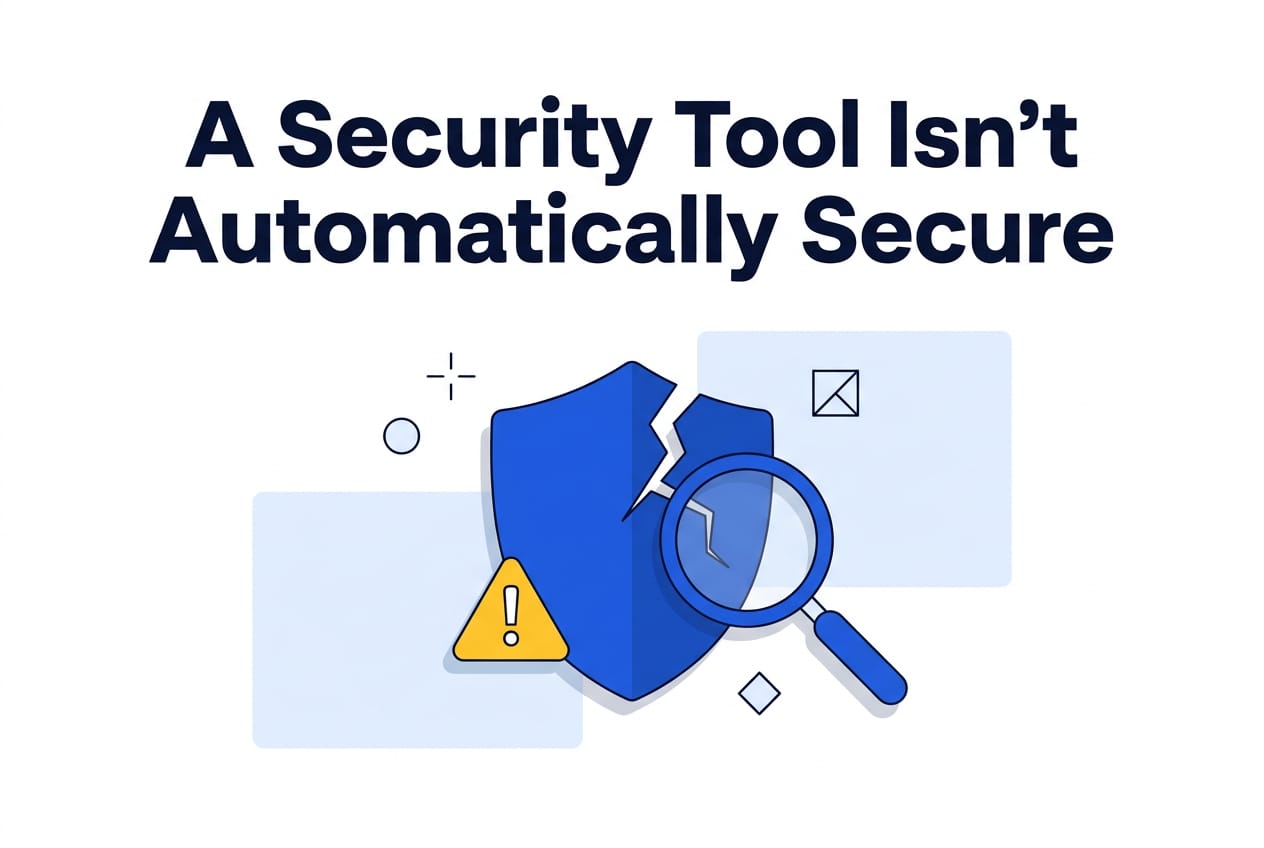
The tool I was about to recommend, a product positioned as a security firewall, had a real exploitable hole in it.
Not a cosmetic issue. Not a vague edge case. A hole serious enough that I pulled it from the training, reported it privately, and stopped short of telling people to use it until there is a version I actually trust.
I am not naming the tool. I am not sharing the exploit. I already reported it privately and gave the maintainers time to fix it.
That is not the point anyway.
The point is the lesson.

A security label is not a guarantee
A lot of people still think security works like a transfer of responsibility.
You buy the firewall. You install the plugin. You pay for the tool with the serious landing page and the clean dashboard. Then your brain quietly files the problem under “handled.”
That is comforting. It is also how people get blindsided.
A tool can be built for security and still contain a hole that defeats the whole reason you installed it.
That is not unusual because security vendors are stupid. It is unusual because software changes fast, attack paths change fast, and every product is made by humans who miss things.
That gets even more true once AI gets involved.
AI is helping people build faster, ship faster, automate faster, and connect more systems with less friction. That is great when you are trying to get work done. It is less great when the same speed also means more code, more integrations, more moving parts, and more places where a bad assumption can sit quietly until somebody checks it properly.
So no, “security tool” does not automatically mean secure.
It just means somebody intends for it to help with security.
Those are not the same thing.
This is not a one-off problem
If this were one weird exception, you could shrug and move on.
That would be nice. It would also be wrong.
Over the last year, the pattern has been getting harder to ignore. Defensive products still fail. Trusted software still gets abused. Vendors still ship things that look safe from the outside but contain enough weakness to matter.
At the same time, the broader attack environment is getting faster.
CrowdStrike reported that AI-enabled attacks jumped 89% year over year. Anthropic also disclosed one of the clearest public examples yet of an AI-orchestrated attack flow, which matters because it shows how much lower the practical barrier is getting.
That does not mean every attacker suddenly has movie-level powers.
It means the old mistakes get punished faster.
That is the real shift.
A weak integration matters more now.
A forgotten admin account matters more now.
A tool you trusted because it sounded like a security layer matters more now.
And if one of those things breaks, it does not matter how polished the homepage looked when you bought it.

The uncomfortable part most people skip
The biggest security mistake small operators make is not a missing enterprise tool.
It is outsourcing judgment.
People want one clean product they can point to and say, “that handles security for me.”
But your real protection usually lives somewhere less exciting.
It lives in the basics you control yourself.
That includes:
- removing access you no longer need
- locking down the accounts that control money, domains, email, and websites
- reducing how many tools can act with broad permissions
- putting a human check in front of risky actions
- reviewing what is actually connected to your business, not what you think is connected
That is the part many people resist because it sounds boring.
Fair enough. It is boring.
It is also the part that still works.
What I would do this weekend if I ran everything from a laptop
If your business runs from a laptop and a pile of tools, I would not start with another shiny security purchase.
I would start with a short lockdown pass.
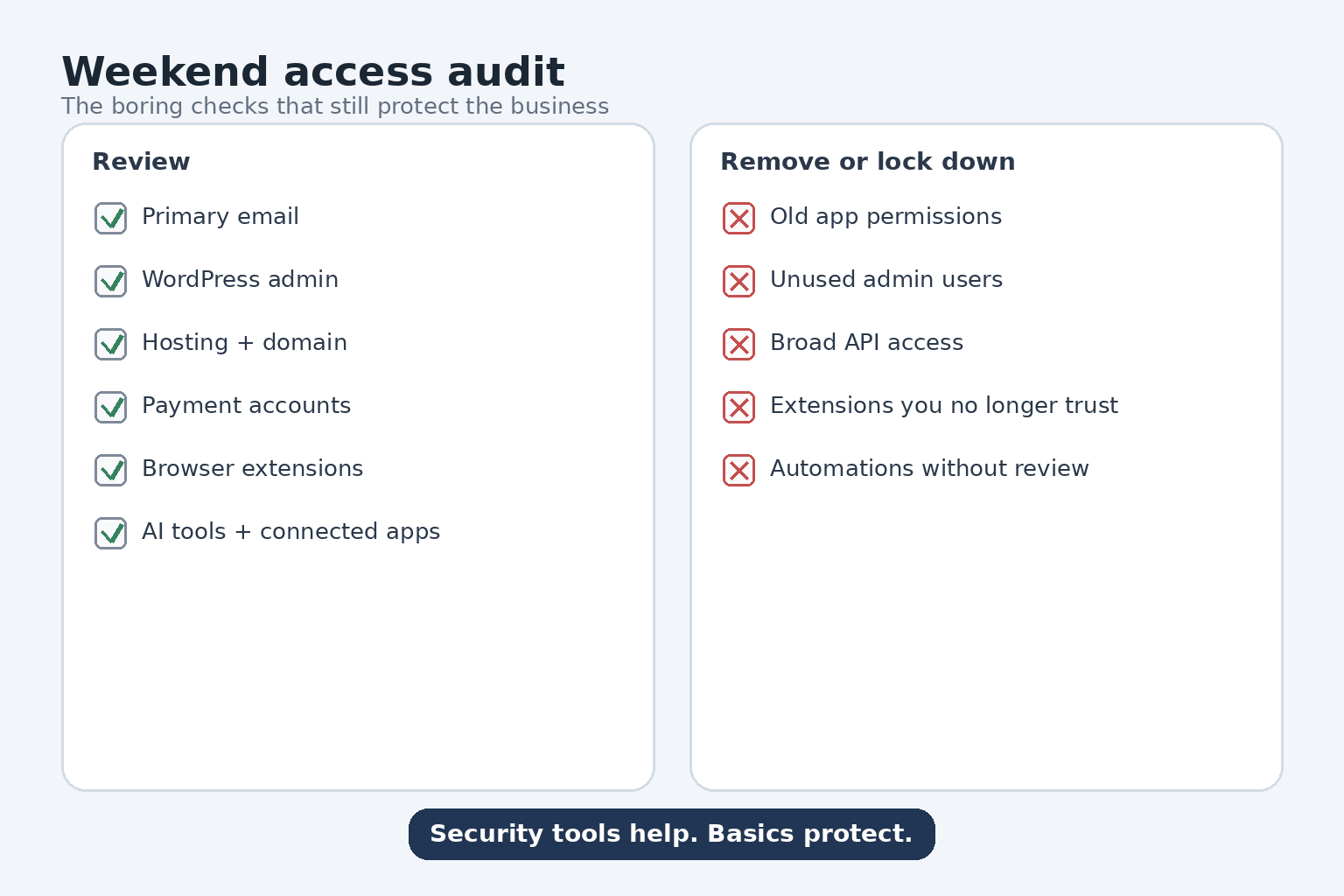
First, list the accounts that actually matter.
Not every tool. Just the critical doors.
For most small online businesses that means:
- primary email
- payment accounts
- WordPress admin
- hosting
- domain registrar
- file storage
- ad accounts
- AI tools or automation tools with broad connected access
Second, check who or what can still get into those accounts.
Look for old users, old app connections, old API access, old plugins, and old browser extensions that no longer deserve trust.
Third, reduce privileged access.
If a tool does not need broad permissions, do not give it broad permissions.
If an old connection no longer matters, remove it.
If one login can reset everything else, protect that login like it is the center of the business, because it is.
Fourth, put a human review step in front of the dangerous stuff.
Do not let automations or AI-driven actions freely touch sensitive accounts, destructive changes, billing, or anything customer-facing without a checkpoint.
Speed is useful right up until it helps the wrong action happen faster.
Fifth, stop assuming the “security” category is self-policing.
Security vendors can ship weak products.
Firewall tools can have holes.
Protective layers can fail.
You still need your own basics.
Why I pulled the training bonus
I was going to include a bonus walkthrough around this firewall setup because I thought it could help non-technical business owners add a useful layer without too much friction.
Then the security check turned up a real problem.
At that point, the responsible move was obvious.
Pull it.
Report it.
Wait.
The bonus can come back once there is a version worth trusting.
Until then, I would rather disappoint people by delaying a walkthrough than quietly recommend something I would not run myself.
That should be the standard more often, frankly.
The bigger lesson
The lesson here is not “do not use security tools.”
The lesson is “do not confuse a label with protection.”
Use security tools, sure.
Use firewalls, filters, scanners, and permission controls where they help.
But do not hang your entire sense of safety on the fact that a product calls itself security software.
Your strongest protection is still the part you control directly:
- tighter access
- fewer unnecessary connections
- better account protection
- human review before risky actions
- regular checks instead of blind trust
That is slower than buying reassurance in a dashboard.
It is also more real.
If you want the broader context around why this matters now, read the rest of the AI Hack Defense series here:
**AI Hack Defense Playbook review:** https://www.aimarketingreviews.com/ai-hack-defense-playbook-practical-ai-era-security-guide/
If you want the practical starting point, use the free checklist here:
**AI Hack Defense checklist / product page:** https://imdominator-plr.netlify.app/aihds/
And the agent-firewall walkthrough bonus?
I still like the idea.
It just waits until the version behind it deserves the recommendation.