Every AI tool you already pay for has the same shape: it thinks brilliantly and then stops. You get copy for the page — and then you open the page builder. You get a video script — and then you open the editor. The AI saves you an hour of thinking and hands you a day of producing.
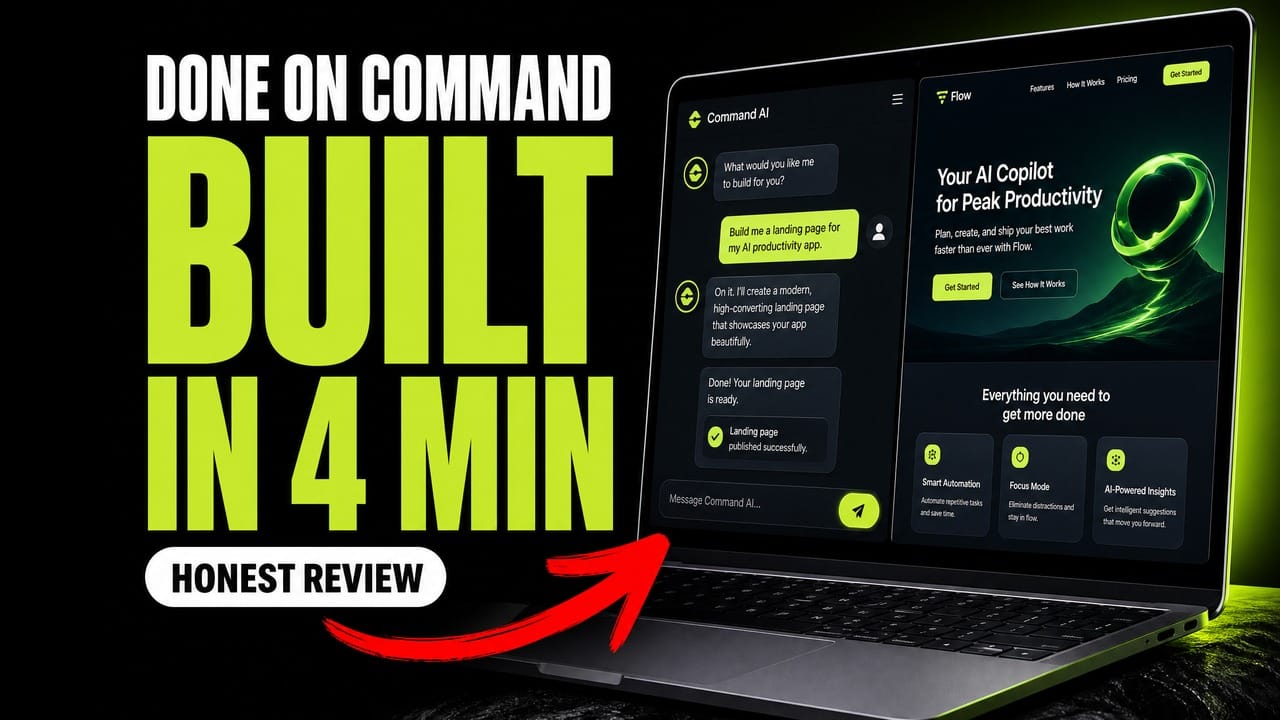
This Done On Command review is about a tool built to close that specific gap. You give it one instruction in plain English, and it produces and publishes the finished asset — a hosted landing page, a branded image, an email sequence, even a talking-head spokesperson video from a single photo.
I’ve had it in my account for over a week and put it through a real test on camera. No slideshow, no sped-up fake demo — the video below shows me typing one command and waiting while it builds.
Quick verdict
Rating: 4.2 / 5 · Price: $47 one-time · Guarantee: 14 days
It genuinely finishes the job — a hosted page with a working opt-in, branded images and a spokesperson video, all from plain English and all on-brand. It loses points for status displays that contradict each other and for having no export button. Set up a custom domain on day one and it’s a real production shortcut.
What Done On Command actually is
It’s a white-label command centre you point at a business — your own or a client’s. Each business gets its own dashboard, its own brand memory, and its own hosted pages. You talk to it like an assistant; it returns finished work rather than drafts.
What’s not in the interface is the interesting part. There’s no template gallery and no drag-and-drop canvas. The whole product is organised around one button and a chat box. That’s the entire design philosophy, and it’s the thing that will either click for you or annoy you.
The live test: one command, one published page
I asked it for a lead-magnet page for an affiliate-marketing education business. I didn’t specify colours, fonts, layout or structure. About four minutes later I had a hosted page on a live URL with a working opt-in form, in the brand colours I’d set up once, with copy in the tone of voice I’d chosen.
Not a preview. Not an export to fix up later. A published page collecting emails.
That build cost 10 credits, which puts the practical ceiling far beyond what most people will use in a month.
Brand memory is the actual differentiator
If you skim the rest of this review, read this section. The Context tab is where the tool stops being another chat box.
- Four brand colours — a main identity colour, a supporting dark, the page background, and a highlight used for every button and CTA. Set the highlight to the colour you want people clicking, not your favourite colour.
- Tone of voice — warm and friendly, professional, playful, or bold and confident. Every page and email is written in it.
- Video font — the typeface on generated videos, or inherit from your brand.
- The brief — a one-line business description, the niche, your current goal, and up to 4,000 characters of key facts.
That key-facts box is where the leverage sits. Put your prices, your hours, your current offer, and the things it must never say. Fill it in once and every asset afterwards comes out on-brand without you re-explaining your business each time. This is the difference between a tool that saves you ten minutes and one that saves you an afternoon.
What else is inside
- Spokesperson videos — save up to three named avatars from portrait photos, then ask in chat for “a spokesperson video using Sarah”. It produced a usable talking-head clip from one still image.
- Branded images — generated in your brand colours automatically. Quality sits below a dedicated image model, so if graphics are your bottleneck it’s worth comparing against Gemini 3 Pro Image and Nano Banana 2.
- Visitor chatbot — a chat bubble for your own site, grounded only in a knowledge base you supply (site crawl, PDFs, or pasted text up to 100,000 characters). It answers only from what’s in there, so it doesn’t invent things — useful if you’re working on getting cited by AI search.
- Leads and analytics — captured leads in one list, page views counted server-side without cookies, so you don’t need a consent banner just to read your own traffic.
- Social calendar and AI tools — scheduled posts and lead-magnet generation. Lighter than a dedicated scheduler, and nowhere near what you can do by scheduling agents to run marketing tasks, but it’s in the box.
- Connections — custom domains, your own AI provider key, Telegram control, and client logins.
That “your own AI key” option deserves a mention: connect your own provider key and the AI usage runs on your account rather than against the platform’s credits. If you already pay for an API key, that materially changes the running cost.
Pros and cons
| What works | What doesn’t |
|---|---|
| Publishes finished, hosted assets — not drafts | Status displays contradict each other |
| Brand memory applies everywhere, set once | No export button for your pages |
| Spokesperson video from a single photo | No drag-and-drop layout control |
| Runs on your own AI key if you have one | Raw markdown occasionally leaks into the UI |
| $47 one-time with a 14-day guarantee | Young platform — you’re trusting it with hosting |
Three things I’d fix
These are real, and I hit all three during normal use.
- The status displays contradict each other. My spokesperson video sat finished in the Media library while the Videos page still said “no videos yet” and the chat still showed “preparing your clip”. Nothing was lost — but you can’t trust the status you’re looking at, which makes you re-run things you don’t need to re-run.
- Raw markdown leaked into the UI. I saw asterisks rendered as literal text inside a chat reply. Purely cosmetic, but it’s on the product’s main screen.
- No export, and your pages live on their platform. This is the one that actually matters. Your site sits on their sub-domain unless you connect your own domain, and there’s no export button. Connect a custom domain early and keep your copy somewhere you own.
None of this stopped the tool producing usable work. The rough edges are in the status displays, not in the output — which is the right way round, but worth knowing before you buy.
Done On Command pricing
| Tier | Price | What it adds |
|---|---|---|
| Front end | $47 one-time | 2 businesses, 1,000 credits/month, 14-day guarantee |
| Pro | $67 | 5 businesses, 4K video, 2× generation limits |
| VIP Concierge | $67 | Done-for-you setups and live training |
| Agency Platinum | $97 | Agency site, assets and licence |
| Reseller Pro | $197 | Resell up to 25 accounts |
A bundle of all five is offered at $347 against $475 bought separately. As always with one-time launch pricing: buy the tier that matches what you’ll actually use this month, not the one that matches your ambitions.
Who it’s for — and who should skip it
Worth it if you manage marketing for one or more businesses and the bottleneck is production rather than ideas. If you’re currently paying for a page builder, a video editor, a design tool and an email platform — and re-uploading the same logo into all four — this collapses that stack into one instruction. Anyone managing even a single client will find the maths easy.
Skip it if you need pixel-level control over layout. There’s no canvas to drag things around on. You describe what you want and accept what comes back, or you ask again. If that trade sounds intolerable, no amount of speed will make up for it.
Frequently asked questions
What does Done On Command do?
It takes a plain-English instruction and produces a finished, published marketing asset — a hosted landing page with a working opt-in form, branded images, email campaigns, or a spokesperson video generated from a single photo. Unlike a general AI chatbot, it delivers the published asset rather than a draft you then have to build.
How much does Done On Command cost?
The front end is $47 as a one-time payment with a 14-day money-back guarantee. Four optional upgrades run from $67 to $197, and a bundle of everything is offered at $347.
Can I use my own domain?
Yes, and you should do it immediately. By default your pages are published on a Done On Command sub-domain. Custom domains are configured in the Settings tab, and connecting one early means you’re not rebuilding links later.
Can I export the pages it builds?
No. There is no export function at the time of writing, which is the single biggest caveat in this review. Your pages are hosted on their platform. Keep your own copies of any copy you care about.
Do I need to pay for AI credits on top?
Not necessarily. Each plan includes a monthly credit allowance, and a full landing page build cost me 10 credits. You can also connect your own AI provider key in Settings, in which case the AI usage bills to your own account instead of consuming platform credits.
Is Done On Command worth it?
For anyone whose bottleneck is producing marketing assets rather than deciding what to make, yes — it replaces several subscriptions with one instruction and keeps everything on-brand automatically. If you need precise control over page layout, or you’re not comfortable hosting client pages on a young platform without an export option, it’s not the right fit.
Verdict
Done On Command is not another chat box that hands you a draft. In every test I ran it finished the job: a hosted landing page with a working opt-in, a branded image, and a talking-head video from a single photo — all from plain English, all carrying the brand I set up once.
It’s a young platform and it shows in the status displays. Set up a custom domain on day one, keep your own copies of anything important, and you’re buying a genuine production shortcut rather than a promise.
Bottom line: at $47 one-time with a 14-day guarantee and the option to run it on your own AI key, the downside is small and the time saved is real.
Disclosure: the link above is an affiliate link. If you buy through it I earn a commission at no extra cost to you. It doesn’t change what’s in this review — the three flaws above are here for a reason.